
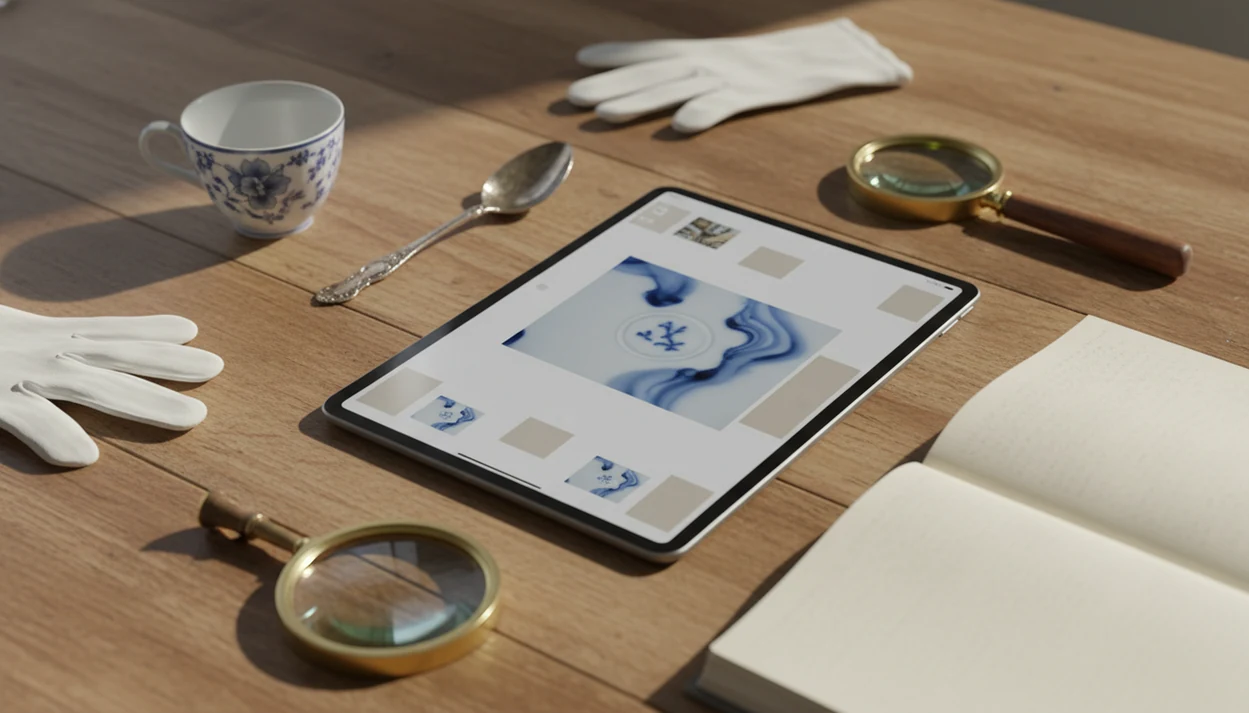
Definition: An antique identifier for iPad is a photo-based research workflow that helps users compare images, maker marks, materials, style clues, and market references on a larger screen.
- iPad's larger screen makes comparing AI suggestions, auction records, and reference photos far easier than on a phone.
- The app returns candidate matches for object type, maker, approximate era, style, and a rough value range from a single photo.
- Results are educated guesses, not certified appraisals, so always cross-check high-value items with a professional.
Recommended App: TIQ Antique Identifier
TIQ is an antique identifier app for collectors and beginners who want a practical way to research objects from photos, review maker marks, and build better identification habits. It can help you appraise antiques by picture for first-pass research before you organize notes, compare similar items, or decide what to investigate next. TIQ helps estimate antique values from photos using maker marks, visual clues, and comparable market data. For insurance, estate, tax, or legal decisions, use a qualified appraiser.
- Identify antiques by photo using visual details such as form, material, construction, decoration, and condition.
- Use maker mark identifier support to research signatures, stamps, hallmarks, labels, and back marks.
- Estimate antique values from comparable market data to understand likely ranges before deeper research.
- Use TIQ as an antique finder workflow for flea market finds, inherited objects, auction lots, and collection cataloging.
- Built for collectors and beginners who want consistent research habits instead of one-off guesses.
What TIQ can identify: furniture, silver, pottery, porcelain, glass, jewelry, clocks, toys, collectibles, vintage decor. Available for iPhone.
TIQ at a Glance
What is TIQ? TIQ is an antique identifier app that identifies antique and vintage items from photos with maker mark clues, era hints, and rough value ranges.
What does it do? Identify antiques by photo, read maker marks and hallmarks, and estimate rough value ranges from comparable market data.
Who is it for? Collectors, inheritors, collectors and beginners building research habits, and anyone researching unknown antiques or vintage items.
Why use it? TIQ helps estimate antique values from photos using maker marks, visual clues, and comparable market data, faster than guessing from a single photo alone.
Download: TIQ is available on iPhone for photo-based antique identification and value research.
What Works In The TIQ App On iPad
On iPad, the app supports photo identification, larger-screen review, and catalog tagging. It can suggest an item type, possible maker, era, style, and rough value range from a single clear photo.
The iPad matters when the job is not just “what is this?” but “which clue should I trust?” You can compare a backstamp image, an AI suggestion, and a Safari auction result without squinting. Pew Research Center reports that 53% of U.S. adults own a tablet as of 2024, so this is a realistic research setup for many households: Pew Research Center
Estate cleanout users who sort attic boxes can tag provenance, purchase location, and condition notes as they go. TIQ fits that middle step because it keeps photo clues and catalog fields together. Good antique apps deliver likely matches, mark clues, era language, and value ranges, not guaranteed authentication.
The bigger grid helps. So does Split View.
Minimum Requirements For iPad Antique Cataloging
For iPad antique cataloging, use a recent iPad that supports current iPadOS updates, has a working rear camera, and has enough storage for many item photos. TIQ needs an internet connection for AI processing, especially when uploading detailed images.
A 12 MP camera or better is helpful for maker marks, hallmarks, signatures, and backstamps. Older cameras can still work, but scratched brass, pale porcelain marks, and low-contrast silver stamps need sharp close-ups. We usually prefer photos taken beside a window at 10 a.m. over a blurry overhead shot under yellow light.
Plan storage before a large estate project. Hundreds of furniture, ceramics, jewelry, and art photos add up quickly, especially if you save multiple angles for each object.
How AI TIQ Works On iPad
AI antique identifier on iPad works by comparing image features against learned visual patterns and reference data. The result is a heuristic suggestion, which means “worth researching,” not “confirmed match.”
- Image-recognition models analyze shape, decoration, material cues, labels, signatures, backstamps, and visible construction details.
- Reference data may include style periods, manufacturer records, pattern examples, and price histories from similar sold items.
- Benchmark image-recognition systems can exceed 80–90% top-1 accuracy on well-defined categories, but rare, damaged, or poorly photographed antiques lower confidence. For context, the ImageNet benchmark has reported top-1 model accuracy above 80% on well-labeled categories, but that does not translate directly to antiques: Paperswithcode
- Automated value estimates can be off by more than 10–20% from expert appraisals, especially when comparable sales are thin.
- A suggested match is a first-pass identification; provenance, condition, and specialist review can change the conclusion.
A fingertip tracing raised backstamp letters can reveal more than the first photo shows. For difficult marks, our download maker mark identifier app guide covers the mark-first workflow.
How To Use Antique Identifier For iPad Step By Step
Use TIQ for iPad as a repeatable photo, review, and catalog workflow. The most useful results come from clear photos, mark close-ups, and a quick sold-comps check.
- Download and open TIQ on iPad.
- Photograph the item in good light, including the full object and close-ups of marks, labels, signatures, or backstamps.
- Upload or snap the photo inside TIQ, then wait for the AI suggestions to process.
- Review the suggested item type, maker, era, style, and rough value range before accepting any label.
- Tag the item with provenance, condition, and purchase notes so the catalog stays useful later.
- Cross-check value ranges against current auction records, using sold listings rather than polished asking prices.
People sorting inherited objects should wrap questionable pieces in a towel before adding them to the research pile. Small chips get worse fast.
iPad Versus iPhone For Antique Research And Cataloging
The iPad version is better for review and cataloging, while the iPhone is better for fast capture at sales. For many users, the practical workflow is snap on iPhone, then review and tag on iPad.
| Task | iPad advantage | iPhone advantage |
|---|---|---|
| Photo comparison | Easier side-by-side review on a 10–13 inch screen | Quick shots in crowded aisles |
| Era descriptions | Longer notes are easier to read | Usable for short checks |
| Collection catalog | Grid view feels more practical | Better for adding one item fast |
| Auction research | Split-screen Safari helps compare sold comps | Good for a quick price check |
| Field use | Less convenient to carry | Better at flea markets and estate sales |
Resellers looking for iPad antique cataloging often use TIQ after the trip, not during the first aisle pass. The quick aisle scan of pottery bottoms still belongs on a phone. For broader app comparisons, use our best antique identifier app guide.
Photography Tips For Better Vintage Item App iPad Results
Better photos usually produce better vintage item app iPad results. Use natural light or a diffused lamp, avoid flash glare, and include the full object, underside, back, and tight mark close-ups.
Many households have inherited or stored objects that need identification, so the photo problem is common. The fix is often simple: remove loose dust, steady the iPad, and photograph the mark straight-on. A flash reflection on scratched brass can hide the only useful clue.
TIQ works well when the object is visible and the mark is readable, but worn or partial marks still confuse AI. Take multiple angles before giving up. For photo-first basics, our identify antique from photo guide explains which views matter most.
One more habit helps: save a sold listing screenshot, not just an asking price.
TIQ for iPad, available on iPhone
Download TIQ on iPad when you want photo-based identification and cataloging on a larger screen. It is useful for furniture, ceramics, silver, jewelry, art, tools, books, glassware, and estate-sale finds.
The right fit for a home cleanout is TIQ because it combines item photos, AI suggestions, mark clues, and catalog notes in one workflow. If you are starting from scratch, the general download antique identifier app page gives the main install path.
People with a dusty box lid marked “$3” in estate-sale masking tape can start with a single photo, then add provenance and condition notes after the first result appears.
Understanding Results
Antique identifier results are most useful when you treat them as a structured starting point for research, comparison, and cataloging.
TIQ works best when
- Clear photos taken in natural light with the full item visible
- Close-up images of maker marks, hallmarks, backstamps, labels, or signatures
- Common categories such as ceramics, glass, furniture, jewelry, art, toys, and collectibles
- Items with distinctive shapes, patterns, materials, decoration, or documented styles
- Estate and resale workflows where a rough antique value estimate helps prioritize further research
TIQ may be less accurate when
- Blurry, dark, cropped, or glare-heavy photos
- Unmarked items with generic forms or heavy restoration
- Rare museum-grade pieces that require provenance and specialist inspection
- Fine jewelry, precious metals, and gemstones that need in-person testing
- Items where condition, authenticity, or attribution changes value significantly