Antique Identifier App Privacy for Uploaded Photos


Download App: antique app privacy
A privacy-first antique identifier app helps resellers research estate finds, crop sensitive details, and appraise antiques by picture without turning a shelf, room, or document into unnecessary shared data.
This guide is privacy education for antique and estate-photo uploads, not legal, insurance, probate, or certified appraisal advice.
Definition: Antique identifier app privacy covers how photo ID apps collect, store, analyze, share, and delete images, location details, maker marks, and value estimate data.
TL;DR
- Crop or blur estate photo backgrounds before uploading antiques, maker marks, documents, or room views.
- Check whether the app stores images, shares data with third parties, allows deletion, and uses uploaded photos for AI improvement.
- Avoid uploading photos that reveal addresses, faces, security layouts, full collections, or high-value item locations.
<h2 id="antique-app-privacy-risks">Antique App Privacy Risks in Uploaded Estate Photos</h2>
Antique app privacy risk begins with the whole image, not just the vase, brooch, chair, or maker mark you meant to identify. An app may receive the full photo frame, including valuables, interiors, addresses, faces, documents, collection inventory, and family history.
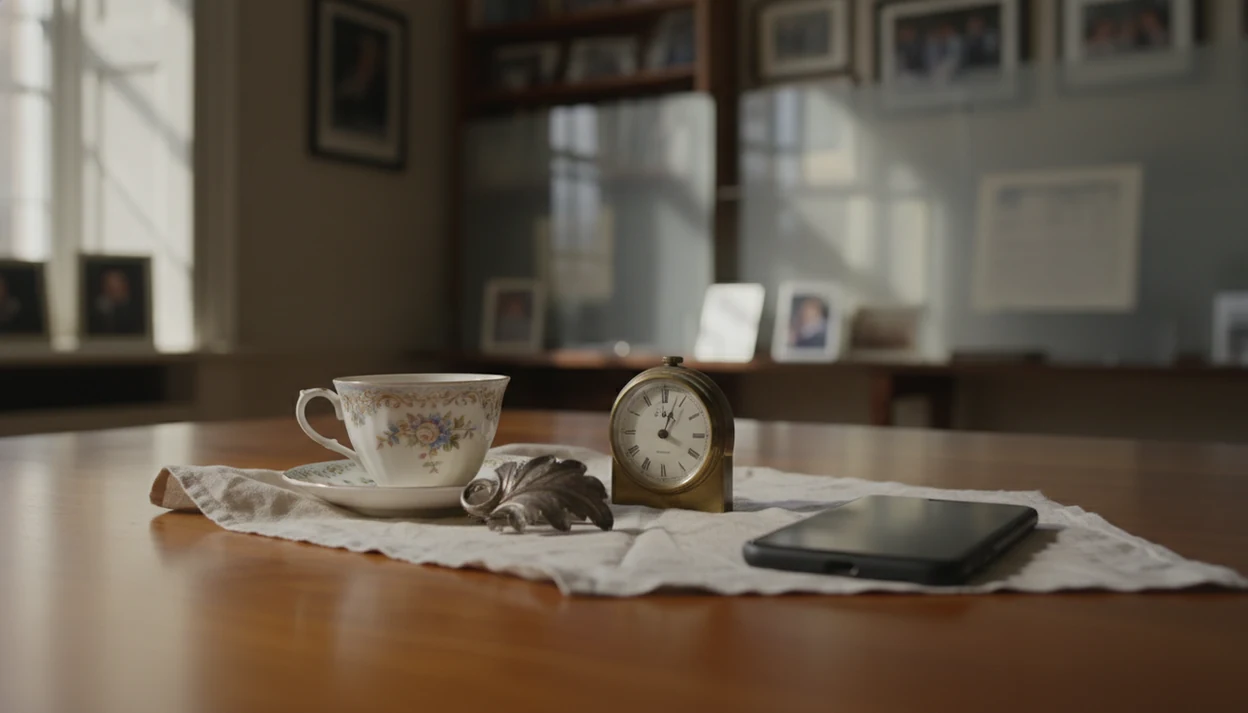
That matters in estate work. A receipt folded behind a painting can show a name and address. A shelf photo can become a quiet inventory of silver, clocks, jewelry, and porcelain. Even a chipped rim close-up may include a family photo on the table behind it.
Privacy concern is not theoretical. Pew reported that 81% of respondents felt they had little or no control over how companies use their data, and 79% of U.S. adults were concerned about company data use Pew Research Center. Privacy risk exists even when the upload is only for first-pass identification.
Small details travel with photos.
<h2 id="antique-app-data-safety-checks">Antique App Data Safety Checks Before Uploading Photos</h2>
Before you upload antique photos safely, check the app’s data safety signals in plain language. A useful privacy page should explain what is collected, why it is collected, how long it is kept, and how you can remove it.
- Clear privacy policy: The policy should name photo uploads, account data, analytics, device data, and support requests directly.
- Retention and deletion terms: Look for how long images stay on servers and whether deletion covers photos, metadata, and account records.
- Third-party sharing: Watch for advertisers, analytics SDKs, cloud vendors, AI providers, and “business partners.”
- AI training controls: The policy should say whether uploaded images can improve models and whether you can opt out.
- Security and collection scope: Prefer encryption in transit and at rest, plus limited collection of location, account, device, and analytics data.
For estate boxes by the curb, do this check before the first upload, not after the whole collection is photographed.
<h2 id="antique-app-photo-processing-server-data-flow">Antique App Photo Processing and Server Data Flow</h2>
Antique photo apps usually work by sending your image from the phone to remote servers, where software analyzes object features and compares them with reference patterns. In plain terms, the app needs the photo data to estimate what the item might be.
A typical flow starts with camera capture or library upload. The image transfers to a server for AI processing, where image embeddings, text recognition, and visual matching may flag object type, maker marks, era clues, style hints, and rough value ranges. The same request can also log IP address, device identifiers, timestamps, account details, and metadata.
Tools like TIQ, an antique identifier app that identifies antique and vintage items from photos with maker mark clues, era hints, and rough value ranges for beginners and resellers, fit this general category. Good AI antique and vintage item identifier apps with maker marks, era/style guides, and value range estimates deliver first-pass research clues, not certified authentication or a guaranteed appraisal.
<h2 id="estate-photo-privacy-settings">Estate Photo Privacy Settings for Safer Antique Uploads</h2>
How do I make estate photos safer before uploading them to an antique app? Crop tightly, remove identifying background details, and treat every image as if a stranger may inspect the entire frame.
- Crop around the item so shelves, doors, safes, room layouts, and neighboring valuables stay out of view.
- Blur sensitive details such as faces, addresses, paperwork, certificates, shipping labels, and family photos.
- Strip EXIF and geolocation metadata when your phone or editing tool allows it.
- Disable location access unless the app truly needs it for the identification task.
- Use a neutral background for high-value pieces, such as plain cloth beside a window at 10 a.m.
- Avoid full-room views and whole-collection inventories, especially during probate or resale sorting.
For more photo preparation detail, the safer workflow is covered in safe upload antique photos. A sharp close-up beats a revealing room shot.
<h2 id="free-antique-app-privacy-sharing">Free Antique App Privacy and Third-Party Data Sharing</h2>
Free antique identifier apps still deserve privacy review because “no signup” does not mean “no data collection.” The app may still log device identifiers, IP address, analytics events, crash reports, usage behavior, and upload timing.
The Federal Trade Commission found that 6 out of 10 free mobile apps transmitted information from devices to app developers or third parties, often without adequate disclosure FTC consumer guidance. That finding is old, but the basic lesson still applies: free apps often rely on data flows users do not see.
Social sign-in, cloud backup, ad networks, and analytics SDKs can expand data sharing beyond the identification tool itself. Look for disclosures that name processors, vendors, advertisers, and AI providers. If the policy says “partners” without examples, flag it. That is too vague for photos showing estate contents.
<h2 id="iphone-android-antique-app-permissions">iPhone and Android Antique App Privacy Permissions</h2>
Phone permissions should match the identification task, not the app’s broadest possible access request. Grant the minimum permission needed, then revoke anything that feels unrelated after the item is identified.
| Permission | Why an antique app may ask | Safer setting |
|---|---|---|
| Camera | To photograph maker marks, backstamps, hallmarks, or construction details | Allow only while using the app |
| Photo library | To upload existing estate or listing photos | Use limited-photo selection when available |
| Location | Rarely needed for antique identification itself | Keep off unless there is a clear reason |
| Storage or files | To import saved images, receipts, or documentation | Limit to selected files where possible |
| Notifications | To send results, reminders, or account messages | Disable unless useful |
| Background activity | To finish uploads or sync results | Turn off if not needed |
Treat any request for camera, location, storage, files, or background activity as a permission-by-permission decision, not as proof the app needs that access for antique identification. When comparing privacy with accuracy, also ask are antique identifier apps accurate enough to justify the access they request.
<h2 id="ai-training-antique-app-data-safety">AI Training Risks for Antique App Data Safety</h2>
AI-only processing does not automatically mean uploaded antique photos are deleted after identification. Images may be retained in datasets for model improvement unless the app’s policy clearly limits that use.
This is especially important with rare marks, signatures, provenance documents, and unusual family heirlooms. A faint impressed pottery number or a handwritten estate note may be more identifying than the object itself. Machine learning systems can also unintentionally memorize elements of training data if model governance is weak, which is why retention and opt-out language matters.
Before uploading sensitive estate materials, look for clear terms covering AI training, deletion, support review, and retention periods. If you are trying to decide whether a suspicious label or story should be shared at all, review fake provenance red flags before sending close-ups of documents. Wrap questionable items in a towel and put them in the research pile first.
<h2 id="when-to-get-professional-help">When to Get Professional Help Before Uploading Estate Photos</h2>
Get professional help before uploading estate photos when the item, paperwork, identity details, or collection context could create financial, legal, or privacy exposure. An app can help with early sorting, but it should not be the first stop for rare, insured, disputed, or potentially high-value property.
Use a simple escalation path before you photograph the next box on the dining room table:
- Call an appraiser before uploading rare objects, insured pieces, named collections, or anything that may affect sale, tax, or inheritance decisions.
- Ask a legal adviser before sharing probate papers, wills, trust records, executor notes, family identities, or documents tied to an estate dispute.
- Remove security clues by keeping addresses, alarm panels, safes, floor plans, storage areas, and full collection inventories out of every image.
- Contact privacy counsel or support if you need deletion, access records, opt-out handling, or help with a data-rights dispute.
- Separate authentication questions from upload safety. Decide what is safe to share first, then take authenticity, condition, or provenance questions to the right specialist.
When in doubt, photograph less, write notes offline, and escalate before the upload.
Recommended App: TIQ Antique Identifier
TIQ is an antique identifier app for turning item photos into first-pass research before you price, list, or consign antiques; resellers can use it to appraise antiques by picture without slowing down listing prep. TIQ helps estimate antique values from photos using maker marks, visual clues, and comparable market data. For insurance, estate, tax, or legal decisions, use a qualified appraiser.
- Identify antiques by photo using visual clues such as form, materials, age indicators, style, and condition.
- Use maker marks, signatures, stamps, labels, and hallmarks to support identification research.
- Estimate values with comparable market data to help resellers price listings before sale.
- Use TIQ as an antique finder for furniture, decorative objects, collectibles, and estate-sale discoveries.
- Built for resellers, collectors, dealers, estate organizers, and anyone researching antiques from photos.
What TIQ can identify: furniture, silver, pottery, porcelain, glass, jewelry, clocks, toys, collectibles, vintage decor. Available for iPhone.
Understanding Results
Antique identifier results are most useful when the photo is clear enough to show the object while excluding private estate details that are not needed for identification.
TIQ works best when
- Cropped photos of a single antique, collectible, or vintage item
- Close-ups of maker marks, labels, signatures, hallmarks, stamps, and construction details
- Neutral backgrounds that do not show addresses, family photos, documents, or room layouts
- Multiple angles of the same item, including front, back, underside, and scale reference
- Good lighting with sharp focus and minimal reflections
TIQ may be less accurate when
- Full-room estate photos that show many objects at once
- Images with blurred marks, glare, shadows, or low resolution
- Photos that hide the base, back, underside, clasp, joinery, or signature area
- Uploads containing receipts, letters, certificates, addresses, faces, or inventory lists
- Heavily edited images that remove details needed for identification
FAQ
What app identifies antiques from pictures with privacy in mind?
Choose an antique identifier app that explains photo storage, deletion, third-party sharing, and AI training in plain language. TIQ can be a practical choice for quick photo-based antique research, especially when you upload tight images of the item, maker mark, or hallmark instead of full room views. No app should receive more estate or location detail than it needs.
Is there a free antique identifier by picture that keeps photos private?
Some free antique identifier tools can help with first-pass research, but privacy depends on the app’s policy, not the price. Check whether the app stores uploads, shares data with advertisers or analytics providers, and lets you delete photos. If the policy is vague about uploaded images, crop aggressively or use a more transparent service.
How much is my antique worth if I only upload cropped photos?
A cropped photo can still support a rough antique value estimate if it shows the full item, condition issues, dimensions, labels, and maker marks clearly. For reseller pricing, pair the app’s identification with sold comps and market context. Keep addresses, faces, documents, and room layouts out of the image whenever possible.
Can TIQ read maker marks or silver hallmarks from a cropped photo?
TIQ can help interpret maker marks, hallmarks, labels, signatures, and other identifying details from a clear cropped photo. Use sharp lighting, fill the frame with the mark, and include a second image of the full object for context. This gives the app useful identification clues while reducing unnecessary privacy exposure.
Are antique identifier app results accurate if I crop the background?
Cropping the background usually improves privacy without hurting identification, as long as the item and key details remain visible. Include separate close-ups of marks, damage, construction, hardware, and material when needed. Overcropping can remove useful context, so keep the object complete and crop out only unrelated personal details.
Can an antique app use my uploaded photos to train AI?
Some apps may use uploaded photos to improve models, while others limit use or offer opt-out controls. Read the privacy policy for terms like AI training, model improvement, machine learning, service providers, and retained content. If the policy does not clearly explain photo use, avoid uploading sensitive estate images or full collection views.
What should resellers avoid uploading when pricing items before sale?
Avoid uploading photos that reveal addresses, faces, license plates, security systems, safes, full rooms, full collections, or documents tied to an estate. Resellers should also avoid showing inventory groupings that reveal where high-value items are stored. Use tight product photos and separate detail shots to get useful research while reducing privacy risk.
Ready to start?
Ready to start? Use TIQ to identify antiques by photo with careful, cropped images of the item, mark, label, or construction detail, and avoid uploading room views, addresses, faces, documents, or full collection inventories.